

Shopify CRM integration for the sales Shopify never sees
When sales close by phone or in the shop, Shopify sees only the last step. What a CRM should hold, how to sync without duplicates, and when Zoho is enough.

Published 5 min readSources
In this article10 sections
- What Shopify records, and what it misses
- The records a retail CRM needs
- Fix the storefront's next step first
- Syncing Shopify and the CRM without duplicates
- Off-the-shelf or custom?
- Automate reminders, keep people on decisions
- Deposits: audit before you promise
- What to leave out of version one
- Start with one sale
- Sources
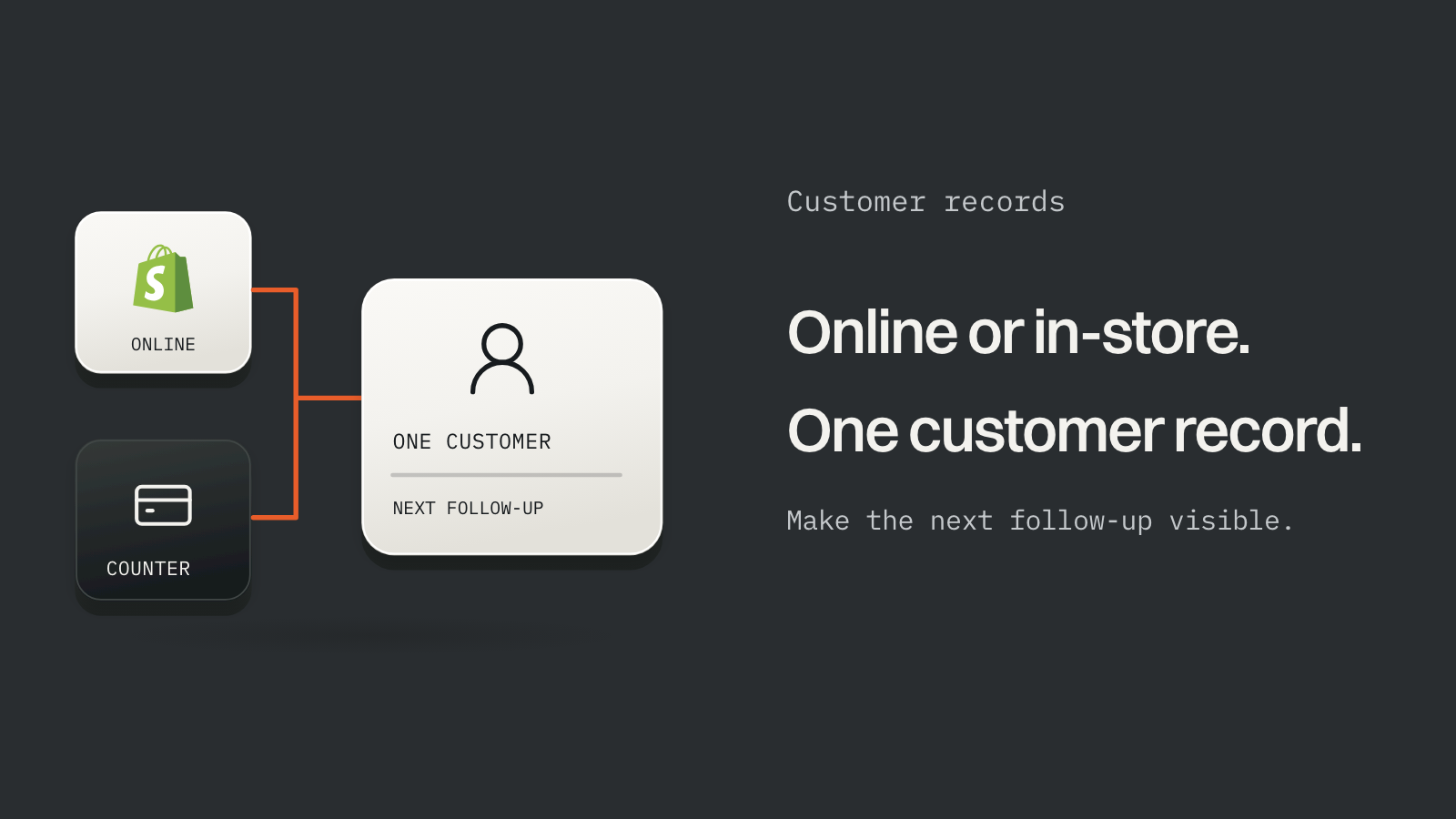
A Shopify order is often the last line of a sale that started a week earlier with a phone call. One retailer we spoke to told us their store drew steady visits and very few online sales, while most of their business closed in the shop. Shopify recorded the end of some of those sales and nothing that came before.
If that sounds like your store, a better theme won't fix it. You need somewhere to keep the work that happens before and after the order.
What Shopify records, and what it misses#
Shopify is a commerce record. It knows your products, inventory, checkout, orders and each customer's order history. It doesn't know about:
- an enquiry that hasn't become an order yet;
- the quote you sent on WhatsApp on Tuesday;
- the customer who visited the shop, paid a deposit in cash and is waiting for a supplier;
- who on your team owns the next step.
Staff access matters too. In India, Shopify's plans list these staff allowances, billed yearly:

- Basic, about $16 a month
- 0Additional staff accounts
- Grow, about $59 a month
- 5Staff accounts
- Advanced, about $239 a month
- 15Staff accounts
If your salespeople need to see orders, you're already paying for that on Grow or above, and they still won't see the enquiries.
The records a retail CRM needs#
When we proposed a CRM for a Shopify retailer, it came down to five records:
- A customer profile. Contact details, city, consent preferences and the Shopify order history, pulled in rather than retyped.
- An enquiry. Where it came from, which product, its status, who owns it and the next action with a date.
- A quote. Items, amount, validity, whether it was sent, accepted or declined, and a follow-up date.
- In-shop activity. Visits, calls and purchases that never become a Shopify order, recorded without forcing them into one.
- Supplier milestones. For made-to-order items: supplier order, expected date, received, balance due, ready to dispatch.
Payment state comes last, once you've agreed how deposits are collected. More on that below.
Fix the storefront's next step first#
A CRM can only track enquiries the website actually captures. Two storefront changes feed it.
Give product cards a price state that means something: a fixed price, a starting price, price on request, made to order, or temporarily unavailable. A $0 price can't tell a buyer which of those they're looking at.
Then replace "call us" with a short form: name, phone, city, the product, quantity, notes and a consent line. Each submission becomes an enquiry in the CRM with an owner, and nobody has to retype it from a chat.
Syncing Shopify and the CRM without duplicates#
Decide which system owns each record before writing any code. When two systems both think they own something, you get duplicates.
| Record | Owner | Note |
|---|---|---|
| Products, prices, stock | Shopify | The CRM reads them |
| Orders paid at checkout | Shopify | The CRM links to them by order ID |
| Enquiries, quotes, follow-ups | CRM | Shopify never sees them |
| Deposits and balances collected outside checkout | CRM ledger | Reconciled against the payment provider |
| The final invoice and order for an offline sale | Decide explicitly | The usual source of double counting |
Then build the sync defensively. Shopify signs every webhook, so verify the signature, and use the X-Shopify-Webhook-Id header to ignore repeats. Shopify's webhook guidance says delivery isn't guaranteed and recommends a reconciliation job that fetches recently updated records through the API. Run one on a schedule, say hourly, so a missed webhook costs you an hour of lag instead of a missing order.
Matching in-shop customers to online ones is the hard part. A phone number is often the most practical key in Indian retail, but families share numbers. Let the system suggest a match and let staff confirm the merge.
Off-the-shelf or custom?#
| Option | Fits when | Watch for |
|---|---|---|
| Shopify alone, with apps | Sales mostly happen at checkout, with little quoting | Basic has no extra staff accounts; app subscriptions add up |
| Zoho CRM | A standard lead-to-deal pipeline your team can configure | Listed at about $8 a user a month for Standard and about $15 for Professional, free for up to three users. Check how the Shopify connection handles your stages. |
| Odoo | You want CRM, inventory, invoicing and purchasing in one system | Custom code, Odoo.sh hosting and external API access come with the Custom plan. Moving stock out of Shopify is a bigger project. |
| Custom CRM around Shopify | Your stages, such as deposit, supplier order and balance, are the business, and the CRM must read Shopify directly | Higher upfront cost, and someone has to maintain it |
Prices are from Zoho's and Odoo's pricing pages on 4 October 2026, before tax, converted from rupees. For scale, five salespeople on Zoho Professional is 5 × $15 = $75 a month, or $900 a year, before any setup or integration work.
We build custom software, so here is our bias stated plainly: most stores should start with Shopify alone or a CRM's free tier, and move to custom only when their real stages don't fit. We recommended custom for one retailer because its made-to-order sale ran through a deposit, a supplier order and a balance, and the CRM needed Shopify's customers and orders on the same screen. The reasoning is in the Shopify study on our Work page.
Automate reminders, keep people on decisions#
Automation should create tasks, never make judgements:

- New enquiryCreates a lead and assigns an owner.
- Quote, no outcomeCreates a follow-up task.
- Quote acceptedOpens a supplier checklist.
- Balance verifiedMoves the sale to dispatch.
Pricing, compatibility, refunds and supplier promises stay with your staff. One rule matters most: never treat a customer's "I've paid" message as proof of payment. Staff verify it against the payment provider.
Deposits: audit before you promise#
Deposits are where Indian Shopify stores get stuck. Shopify's native partial-payment workflows for general online orders sit on Plus, which starts at about $1,840 a month on a three-year term. Shopify Payments isn't offered in India, so on Basic you also pay Shopify a 2% fee on top of your gateway's charges.
A Razorpay payment link can collect a deposit, but Shopify may not show the order as part-paid. Treat the CRM's ledger as the record of deposits and balances, and check Shopify's API terms before automating any payment outside checkout. The details are in who owns the other $420?
What to leave out of version one#
- Catalogue clean-up. It's a project of its own; build filters on the fields you already trust.
- WhatsApp campaigns, until your WhatsApp Business API account, templates and customer consent are in place. Our WhatsApp cost guide helps with the budget.
- Payment automation, until someone has audited your plan, gateway, refunds and fees.
- AI features, until the records underneath are complete enough to trust.
Start with one sale#
Pick one recent sale that began online and finished in your shop. Write down every step, who did it, where it was recorded and where money moved. That page will tell you whether you need a CRM, which one, and what it has to connect to.
If you want us to look at it, send us that one sale. We'll tell you what we'd connect first, and whether you need us at all.
Sources#
Checked 4 October 2026.
- Shopify, India pricing, webhook best practices and verifying webhook deliveries.
- Zoho, CRM pricing.
- Odoo, pricing.