

A PDF by email isn't an eInvoice: what UAE billing systems need before 2027
A PDF by email isn't an eInvoice. The provider deadlines, what B2B scope covers, and the data, retry and reconciliation work your billing system needs.

Published 7 min readSources
In this article12 sections
- What needs to change?
- The deadlines separate appointment from implementation
- B2C sales are outside the current mandate
- Understand your provider's role in the five-corner model
- Choose an accredited provider you can operate with
- Map the data before changing the invoice screen
- Track the invoice after you send it
- Build credit notes and incoming invoices into the scope
- Reconcile every working day during rollout
- Test a realistic transaction set before the deadline
- Give the integration a defined starting point
- Sources
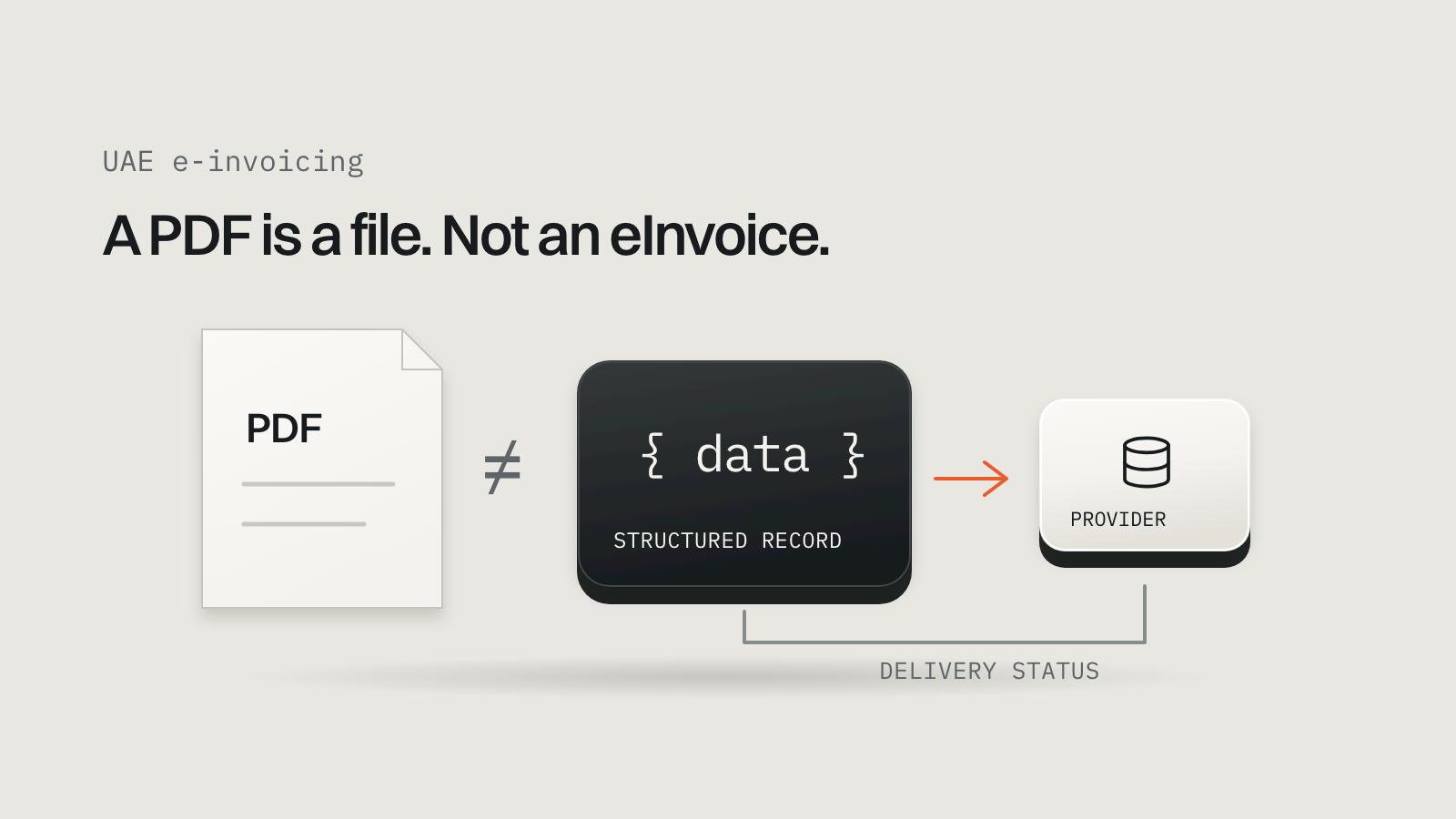
Open the invoice your business emailed yesterday. If it's a PDF attachment, sending it electronically doesn't make it an eInvoice under the UAE's new system. The Ministry of Finance defines an eInvoice as structured data exchanged electronically between supplier and buyer and reported electronically to the Federal Tax Authority. PDFs, scans and email attachments alone don't meet that definition. Ministry of Finance eInvoicing portal.
The integration work starts with the data behind that PDF. Can the billing system identify the legal buyer, calculate the required amounts and record what happened after transmission? A new invoice template can't answer those questions.
What needs to change?#
The Ministry's scope announcement covers business-to-business and business-to-government transactions, subject to specified exclusions, and describes obligations for both issuers and recipients. Scope announcement.
So the work has two halves: sending structured invoices through your provider, and receiving and processing the ones your suppliers send you.
The deadlines separate appointment from implementation#
Ministerial Decision 244 of 2025 set the phased rollout. Decision 66 of 2026 moved the provider-appointment deadline for businesses with revenue of AED 50 million or more to 30 October 2026, keeping their implementation date at 1 January 2027. Exactly AED 50 million falls in that phase. Decision 66 of 2026.
| Who | Appoint an ASP by | Implement by |
|---|---|---|
| Pilot and voluntary adopters | The applicable onboarding process | Start date of 1 July 2026 |
| Revenue of AED 50 million or more | 30 October 2026 | 1 January 2027 |
| Revenue below AED 50 million | 31 March 2027 | 1 July 2027 |
| Government entities | 31 March 2027 | 1 October 2027 |

- 30 Oct 2026Large businesses appoint a providerThe amended date under Decision 66.
- 1 Jan 2027Large businesses go live
- 31 Mar 2027Smaller businesses and government appoint
- 1 Jul 2027Smaller businesses go live
- 1 Oct 2027Government entities go live
The other dates come from Decision 244 of 2025, read with the amendment. The Ministry's June 2026 guidelines still show the earlier 31 July appointment date for large businesses; follow Decision 66 when you reconcile the documents with your adviser.
Signing with a provider is a different milestone from a working integration. Budget time between the two for onboarding, mapping, testing and staff preparation, and recheck the official portal before acting, because the programme has already been amended once.
B2C sales are outside the current mandate#
Decision 244 says business-to-consumer transactions, and businesses engaged only in them, are outside the system until a further decision says otherwise. A retail website should therefore establish who buys from it before assuming every checkout enters the exchange. Decision 244, Article 5.
For a mixed retailer, an individual buying a chair for home and a company buying 40 chairs for its office need a classification decision; the sales channel doesn't answer it. Have the tax adviser approve the classification rules, then build them into the order and invoice workflow. Document special cases, such as exports, intercompany charges or excluded transactions, instead of silently applying the default.
Understand your provider's role in the five-corner model#
The UAE guidelines describe a decentralised exchange and reporting framework:

- Your billing systemCorner 1: the supplier issues the invoice data.
- Your ASPCorner 2: validates it and converts it to the UAE format if needed.
- Buyer's ASPCorner 3: receives it from your provider.
- BuyerCorner 4: receives the invoice.
- FTACorner 5: receives tax data reporting.
The interface between your system and your provider needs an agreed format. Don't assume you must build a Peppol access point yourself, or that every provider accepts the same JSON fields. Ask for the supported submission format, authentication method and status contract, and for the incoming invoice workflow too; an outgoing-only demonstration leaves accounts payable unaddressed. Guidelines, section 5.
Choose an accredited provider you can operate with#
Start with the Ministry's provider list, which separates accredited providers from pre-approved ones still in final assessment, and verify the status of the exact legal entity you'll contract with. The Ministry's selection guide covers integration, data management, security, support, pricing and scalability.
Ask each provider to show, with sanitised examples like your transactions:
- a test environment and a successful exchange;
- the errors returned for invalid data;
- what happens when the same invoice is submitted again;
- how to query status after a timeout;
- the incoming invoice and credit-note workflow;
- exportable records and the process for changing provider;
- support hours, escalation and the full charging model.
An API brochure answers few of those.
Map the data before changing the invoice screen#
The Ministry's mandatory-fields document lists invoice identification, seller and buyer details, totals, tax breakdowns and line data, and it separates electronic tax invoices from commercial electronic invoices. Map by the document type and the current technical rules; the PDF's layout is no guide. Mandatory field requirements.
Build a mapping sheet with four columns: the required field, its source in your system, the rule that validates it, and who owns missing or wrong values.
| Data area | Question for your system |
|---|---|
| Legal seller and buyer | Does the record hold the approved legal identity? |
| Identifiers and addresses | Are the required identifiers and address parts available? |
| Invoice identification | Can it keep a unique number and issue date? |
| Line amounts | Can finance reproduce quantity, unit price and net amount? |
| Tax classification | Has the adviser approved the category and rate? |
| Currency and totals | Can the calculation explain the required totals? |
A missing buyer detail may need a change to account onboarding. A wrong tax category may need a finance decision. Neither should become a guess inside integration code.
OpenPeppol publishes PINT-AE billing specifications, including invoice and credit-note rules and validation resources. Agree the supported version with your provider and record it in the brief rather than building against an old example.
Track the invoice after you send it#
A finance team needs to tell apart an invoice awaiting validation, one submitted to the provider, one with an error and one whose expected confirmations are complete. That is a proposed application design, not a mandated set of statuses.
Store the internal identifier, provider reference, submission time, payload version and every later event, and preserve the document that was issued. Give authorised staff a clear error and next action when validation fails.
A timeout needs special care. Your server may stop waiting after the provider has already accepted the invoice, and sending it again blindly creates an ambiguous result. Use the provider's duplicate controls and status query before deciding to retry, and put uncertain submissions in a visible queue instead of marking them silently as succeeded or failed.
Keep credentials on the server and restrict access to invoice data. Separate people who can view records from those who can issue or correct documents, and agree security, retention and data location with your adviser and provider.
Build credit notes and incoming invoices into the scope#
The Ministry says credit notes are required for cases including cancellation, reduced consideration, refunds and administrative or numerical errors, and recipients must process electronic invoices and credit notes through the system.
Trace a partial refund against its original invoice, confirm the reference and calculation with finance, and test the resulting document with your provider. A payment refund and an invoice correction are separate records that must reconcile.
For incoming invoices, decide which system accounts payable will use. Match documents to the right supplier, keep the received data and give staff a review step, including duplicates and disputes. A technically valid message doesn't mean anyone has approved the bill for payment.
Reconcile every working day during rollout#
Design an exception view before a dashboard of totals. It should show invoices that exist in billing but have no completed submission, provider errors awaiting correction, uncertain submissions and unmatched incoming documents.

- Issued today
- 120
- Workflow complete
- 114
- Validation errors
- 4
- Uncertain after timeout
- 2
On that hypothetical day, report all 120 with their status. A total showing only the 114 completed invoices hides the six that need attention. Give each exception an owner and keep the original error: a developer needs the provider's technical response, and finance needs to know which customer or supplier record to correct.
Test a realistic transaction set before the deadline#
Agree test cases with finance, the adviser and the provider: ordinary invoices plus the transaction types you really use, partial refunds, rounding, rejected data, duplicate submissions, delayed responses and incoming invoices. Use sanitised data in the provider's test environment, record expected and actual results, and have finance reproduce the reconciliation totals and approve the operating procedure.
You can use ChatGPT to organise the preparation without giving it customer invoices:
Using this redacted billing-system description and ASP documentation,
produce a field-mapping worksheet and questions for our UAE tax adviser.
Identify missing data and uncertain API behaviour. Propose tests for
refunds, duplicate submission, timeouts and receiving invoices. Cite
the supplied documents. Do not invent tax classifications or declare
the system compliant.
Have a developer and a finance reviewer check the output. An assistant's plausible field name isn't a provider contract.
Give the integration a defined starting point#
Collect your current invoice schema, a sanitised invoice and credit note, the accounting-system details, the provider documentation, and the adviser's scope assessment with your implementation date.
If you need help connecting a custom billing system, contact us with those materials and the systems that need to exchange data. We'll work through the mapping and operating workflow while your tax adviser and provider confirm the regulatory and exchange requirements.
Sources#
Checked 4 October 2026. Recheck the official portal before acting.
- Ministry of Finance, eInvoicing portal, scope and obligations announcement and June 2026 guidelines.
- Ministerial Decision 244 of 2025 and Ministerial Decision 66 of 2026.
- Ministry of Finance, accredited and pre-approved providers, provider selection guide and mandatory fields.
- OpenPeppol, PINT-AE billing specification.