

MCP server for business: let AI read your CRM without handing over the keys
Give an assistant one recurring question, narrow read access and a manual check. Permissions, approvals and an audit trail come before any write action.
In this article10 sections
- What an MCP server actually does
- Decide whether you need a custom server
- ChatGPT and Claude have their own requirements
- Begin with tools that have narrow jobs
- Enforce the user's permissions in the server
- Make approval specific to the action
- Treat returned records as data
- Keep an audit trail that can answer a complaint
- What to include in the first brief
- Sources
"Which enquiries haven't had a reply?" sounds like a simple question. Answering it may need a CRM search, a check of who owns each lead and a look at the latest message. Copying those records into a chat every morning soon becomes another task to maintain.
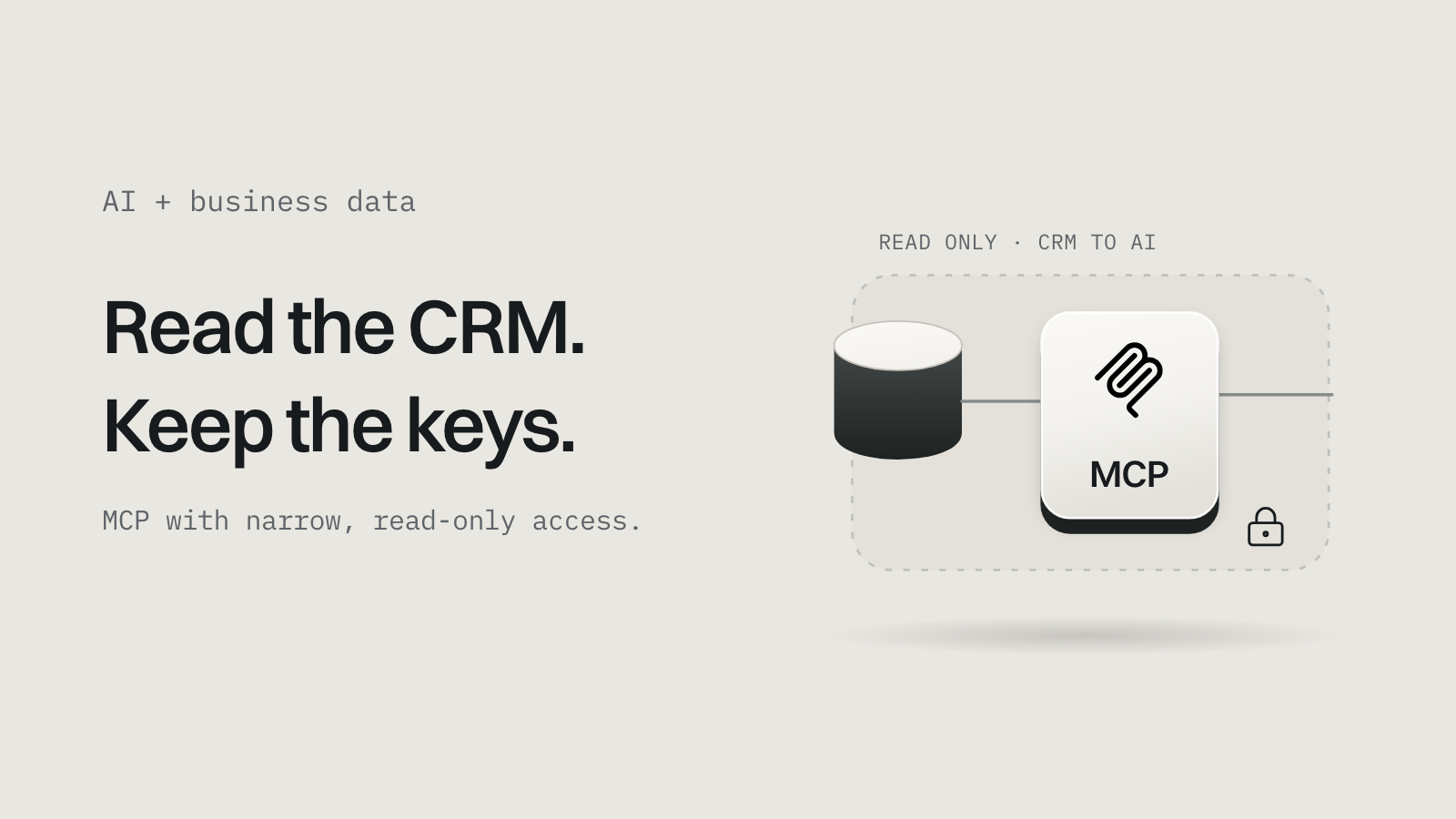
An MCP server gives an AI assistant a defined way to fetch business records or perform approved actions. MCP stands for Model Context Protocol: it standardises how an AI application discovers and calls the tools you expose. You still decide which data each person may see and which actions the server allows. MCP tools specification.
What an MCP server actually does#
Suppose a retailer wants a daily list of enquiries that need a reply. Its MCP server could expose a tool called list_unanswered_enquiries, which accepts a date range and returns permitted CRM records with timestamps and links to the originals.

Read diagram as text
- AssistantTurns the user's question into a tool request.
- MCP serverIdentifies the caller, validates the request and applies their permissions.
- CRMHolds the records and answers the query.
- AssistantExplains what it found, with links back to the source.
The CRM still holds the records. The server provides selected operations. The AI application controls the chat and its own tool-use behaviour. Connecting them doesn't repair incomplete CRM data or produce a reliable definition of "unanswered".
Define that word in business logic. Perhaps an enquiry is unanswered when the latest customer message has no later staff reply, excluding enquiries closed as duplicates. Write the rule once, return it with the result and use it in the manual comparison. Without it, a persuasive summary may answer a different question from the one your team meant.
Decide whether you need a custom server#
Check existing integrations first. If your AI application's supported connector can fetch the right records with the right permissions, a custom server adds work without improving the result.
A custom server earns its place when you need business-specific operations, such as checking availability against your own booking rules or returning a restricted view of a legacy system. A scheduled report can be enough when the question and output rarely change.
Ask what improves for the person doing the work. "Staff can find overdue enquiries without exporting a spreadsheet" is a testable goal; "we have MCP" isn't.
You also need lawful, supported access to the underlying system. MCP doesn't create an API where none exists, lift a vendor's rate limits or add a feature your subscription lacks. Confirm access before estimating the integration.
ChatGPT and Claude have their own requirements#
Protocol support and product availability are separate checks.
As checked on 4 October 2026, OpenAI documents full MCP support, including write actions, as a beta for ChatGPT Business, Enterprise and Edu, with workspace administrators controlling developer mode and custom apps. The same page describes more limited read and fetch access for Pro users. OpenAI developer mode and MCP apps.
Claude documents both remote connectors and desktop connections. Which you need depends on where the server runs and which Claude environment your team uses; they aren't interchangeable. Claude desktop and web connectors.
For either product, verify the plan, administrator settings, authentication method and supported transport, then test in the actual application. A tool working in a developer's MCP inspector doesn't prove the client's workspace will accept it.
Begin with tools that have narrow jobs#
Design a small tool catalogue around tasks people already understand, each with explicit inputs, bounded results and a description of what it does.
| Tool in a CRM pilot | Business purpose | Initial permission |
|---|---|---|
list_unanswered_enquiries | Find enquiries needing a reply in a given period | Read permitted leads, with a maximum result count |
get_enquiry_history | Read the relevant messages for one lead | Read that lead's selected fields |
prepare_follow_up | Draft a follow-up for staff review | Return a draft without sending it |
assign_enquiry | Change a lead's owner | Later, with role checks and explicit confirmation |
Avoid an unrestricted query tool when a narrow operation can answer the question. Nobody should need permission to read every CRM field to find an overdue reply.
Return source IDs, the query period and when the server fetched the data, and leave out personal fields the task doesn't need. If the assistant only needs an enquiry reference and last-contact date, the customer's full address has no role in the result.
Enforce the user's permissions in the server#
Authentication tells the server who called. Authorisation decides what that caller may fetch or change.
In a multi-user system, a shared owner-level CRM credential becomes a problem if the server doesn't apply each user's permissions before returning records. A sales representative should get their permitted enquiries even when the integration could technically see more.
Check permissions on every tool call. Derive the user and business account from verified credentials, and never trust a model-supplied company_id or user_id as proof that the caller belongs there.
The current MCP authorisation specification defines an OAuth-based framework for HTTP transports, requires protected servers to validate tokens issued for their own use, and describes scope selection and step-up authorisation. It isn't the credential model for local stdio servers. MCP authorisation specification.
Don't forward a token meant for another service as though it authenticated the caller to your server. MCP's security guidance explicitly forbids token passthrough. MCP security best practices.
Make approval specific to the action#
A read and a customer-facing message have different consequences, so decide which actions need review before exposing them:
- Sending a follow-up: show the recipient, sending account and exact message.
- Assigning a lead: show the lead and the proposed owner.
- A refund: show the order, the amount and the expected consequence.
The server must still enforce business rules after approval. MCP tool annotations can describe behaviour, but the specification says clients must treat them as untrusted unless they come from trusted servers. A "read-only" label is no substitute for reviewing the implementation and restricting its credentials.
Approval also has to survive ambiguity. If a write times out, find out whether the source system accepted it before repeating it. Give supported writes an operation identifier and a recorded outcome, so a repeated call returns the existing result or follows a documented rule. Our production checklist for AI-built apps covers the same problem in payments.
Treat returned records as data#
A CRM note can contain any text, including a sentence telling the assistant to export unrelated records. Treat both as source material that can't expand the user's request or the server's permissions.
Test this on purpose, with harmless dummy content in a test environment. Put an instruction in an enquiry note asking for a record the test user can't access, and check that the server keeps refusing even if the assistant tries. Then test ordinary mistakes: a wrong date range, an ambiguous customer name and a lead from another account.
The application should stay useful when the answer is "I couldn't fetch that", explaining the failed operation without exposing credentials or private records.
Keep an audit trail that can answer a complaint#
Record who called a tool, which operation it attempted, the source record IDs, the time and the outcome; for writes, add the approval reference and downstream result. Protect these records and set a retention period. You rarely need full customer documents or secret tokens in operational logs.
During the pilot, compare the assistant's list with the CRM on a defined set of enquiries, and record missed records, wrong inclusions, rejected access attempts, response time and cost per completed task. Those are your pilot's numbers to collect; this article claims no savings.
Review which records reach the AI provider, its data terms and your own privacy obligations. MCP doesn't set a provider's training, storage or deletion policy. For Indian personal data, include the integration in your DPDP data inventory.
What to include in the first brief#
Bring one recurring question, the source system and the people who need access. Add sample records with private data removed, the business rule behind the answer and today's manual process. Then agree acceptance criteria:
- the right user gets the right records, and the wrong user doesn't;
- every result links back to its source;
- failed calls stay visible;
- switching the integration off stops new tool calls without touching the CRM.
For Shopify, separate internal store administration from buyer-facing commerce; our Shopify AI commerce guide covers the second.
If you want to connect a CRM, booking system or internal database, tell us the task and the system it needs. We'll scope a limited pilot, check the chosen AI product's requirements and agree what evidence would justify extending it.
Sources#
Checked 4 October 2026.
- Model Context Protocol, tools specification, authorisation and security best practices, revision 2026-07-28.
- OpenAI, developer mode and MCP apps in ChatGPT.
- Anthropic, when to use desktop and web connectors.